
GoHighLevel dashboard design for the morning open
GoHighLevel dashboard design changes the first screen your team sees: 18 designs with a welcome banner, live clock, quick links and chart colours in your brand. Pick one below; it is the real engine, running now.
Pulling into the bay…
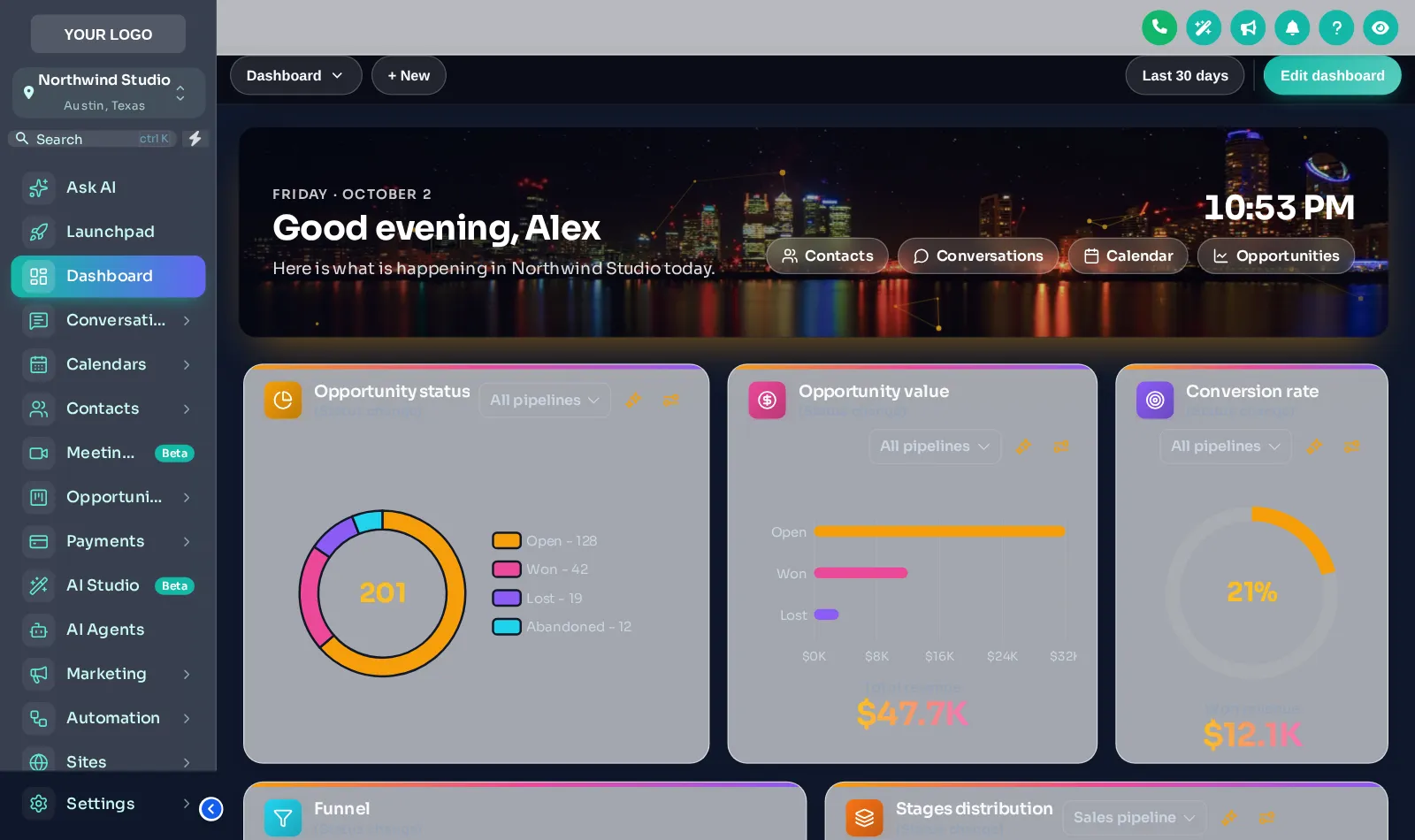
Now showingCity NightsEach chip is a real dashboard template applied by the customizer engine to a copy of the GoHighLevel dashboard. The clock is live; quick links and chart colours belong to the design.
What a branded dashboard changes
A wash manager opens GoHighLevel before the first car hits the conveyor. That first screen sets the tone for the shift.
A dashboard design is a layer over GoHighLevel’s own dashboard that adds a branded welcome banner, clock and quick links without touching your data.
Opening manager logs in
The welcome banner greets them by name with the date and a live clock, so the first screen feels like your wash, not a generic CRM.
Quick links to the day
Buttons straight to Conversations, Calendars and the membership pipeline cut the clicks between the tunnel and the office.
Midday check
Opportunity, value and conversion widgets sit in your brand colours, so a glance tells the shift lead how sign-ups are tracking.
Close-out
Same layout at every site. A manager covering another location knows exactly where everything is.
All 18 designs, by finish
Like wax finishes on a menu board: photo hero, light or dark. Your assigned favourite, City Nights, is highlighted.
Photo hero 6
- Northern Lights
- Pastel Sky
- City Nights
- Lagoon
- Golden Hour
- Liquid 3D
Light 9
- Aurora Glass
- Clean Bento
- Sunset Warm
- Ocean Pro
- Emerald Finance
- Candy Pastel
- Brand Match
- Slate Minimal
- Neo Brutal
Dark 3
- Midnight Neon
- Obsidian Gold
- Cyber Grid
Looks like every other account
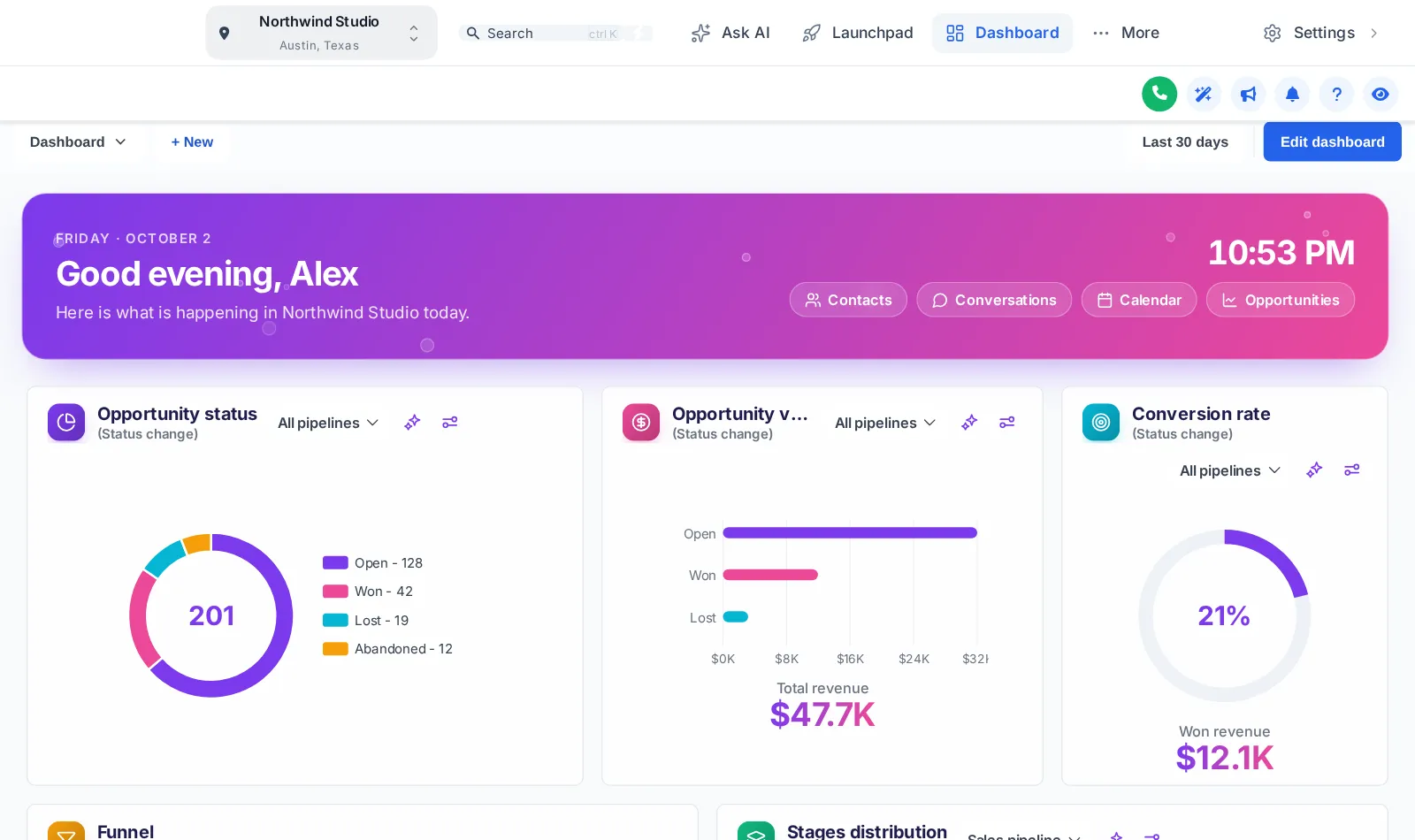
- Grey widgets with GoHighLevel blue charts
- No welcome, no date, no sense of place
- Managers hunt through the menu for the member pipeline
Opens like your wash
- Your colours on every chart and card
- Welcome banner and live clock for the shift
- Quick links to the exact pages your team uses
Three steps in the editor
Open the dashboard designer
Log in to your GHL Customizer account and open Dashboards. Every design previews on a copy of the GoHighLevel dashboard.
Pick a design and set the details
Choose one of the 18 designs, then set the welcome text, quick links and colours to match your wash.
Save and reload GoHighLevel
With the install line already in your agency Custom JS, saving is enough: each sub-account shows the new dashboard on its next page load.
Pairs well with pipeline board designs and sidebar and mega menus, both also in Shine.
Dashboard design questions
Yes. The GHL Customizer dashboard designer restyles the sub-account dashboard with one of 18 designs: a welcome banner, live clock, quick links and branded chart colours. It keeps GoHighLevel’s own widgets and data underneath.
The dashboard designer is in Shine ($337) and Ceramic Coat. Rinse styles the dashboard through the theme but does not include the dashboard designer.
No. It changes how the dashboard looks and adds a banner and quick links. The numbers still come from GoHighLevel’s own widgets and pipelines.
6 of the designs put a full-width photo behind the welcome banner, such as the City Nights skyline. You can keep the photo or swap the colours to suit your brand.
The design loads in every sub-account under your agency, so all locations share one look by default. Workspaces in Shine and Ceramic Coat let you keep separate designs, for example for two wash brands.
Yes. The designs are responsive; use the phone toggle in the preview above to see one at phone width.
No. You pick a design and fill in fields in the editor. GHL custom CSS is generated for you and loaded by the one install line.
Yes. Switch the dashboard design off in the editor and save, and GoHighLevel shows its standard dashboard again on the next load.
Every station in the tunnel
GoHighLevel and HighLevel are trademarks of HighLevel, Inc. We are an independent team and are not affiliated with, endorsed by or sponsored by HighLevel, Inc. Your theme is installed through GoHighLevel’s own Custom CSS and Custom JS agency settings, and your GoHighLevel subscription is billed by HighLevel separately.